Google Chrome & Chromium
Open the Chrome Web Store listing and press Add to Chrome to install Booth-Companion. Works seamlessly with Chrome, Brave, Vivaldi, and other Chromium browsers.
 Visit Chrome Web Store
Independent companion for Booth.pm shoppers
Booth-Companion reads twice-daily exchange rates, overlays converted prices, and layers Booth-aware tools like owned badges, bundle tips, and avatar filters across Chrome, Edge, and Firefox.
Trusted by over 400 users globally.
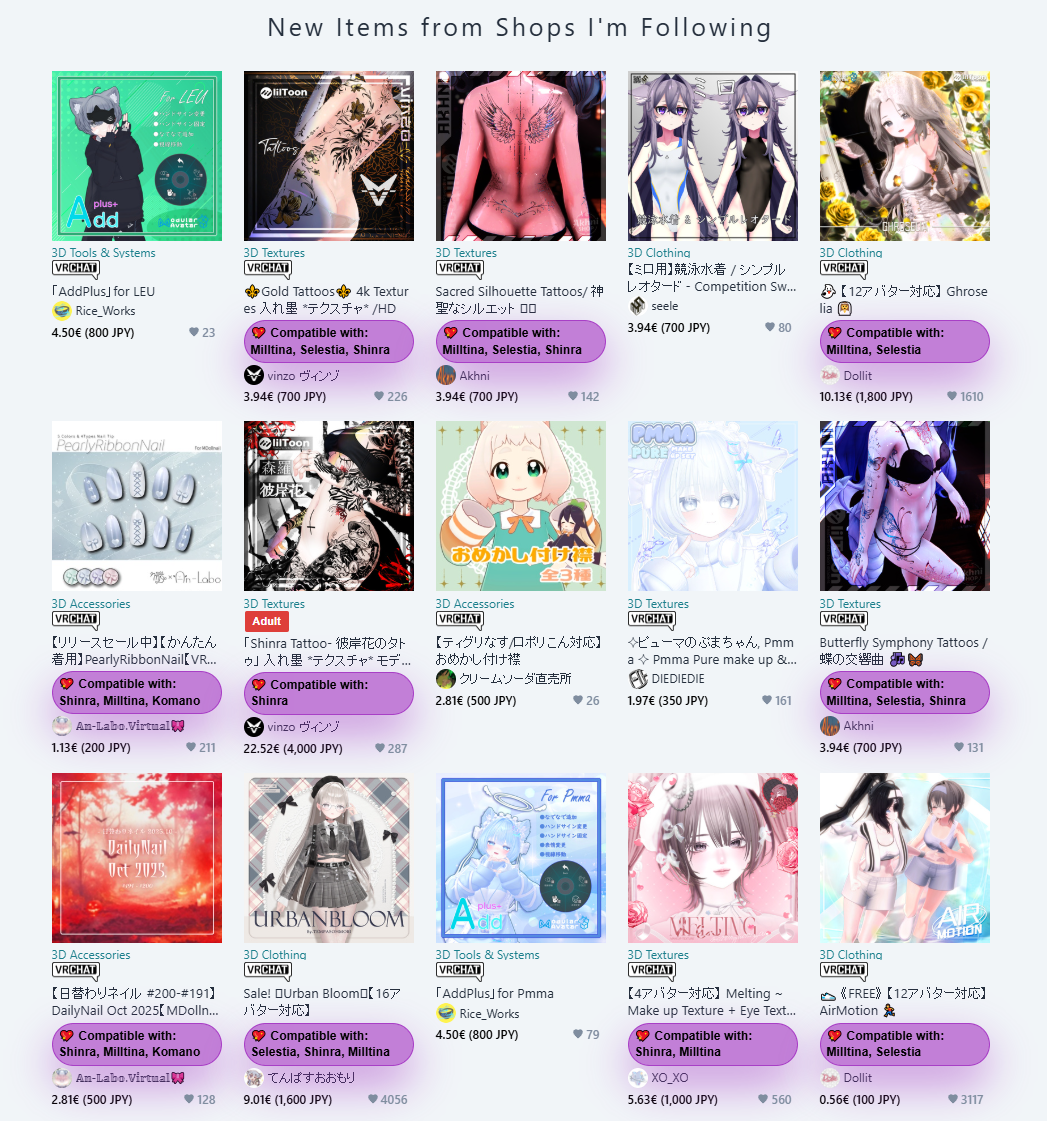
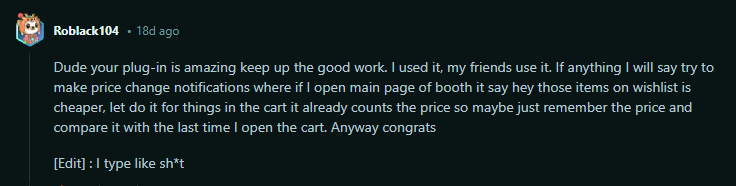








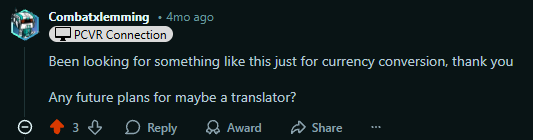

The extension ships simultaneously on the Chrome Web Store, Microsoft Edge Add-ons, and Firefox Add-ons so every Booth shopper can install with a click.
Open the Chrome Web Store listing and press Add to Chrome to install Booth-Companion. Works seamlessly with Chrome, Brave, Vivaldi, and other Chromium browsers.
Visit Chrome Web Store
Head to the Microsoft Edge Add-ons listing and choose Get to sync Booth-Companion across your Edge profiles automatically.
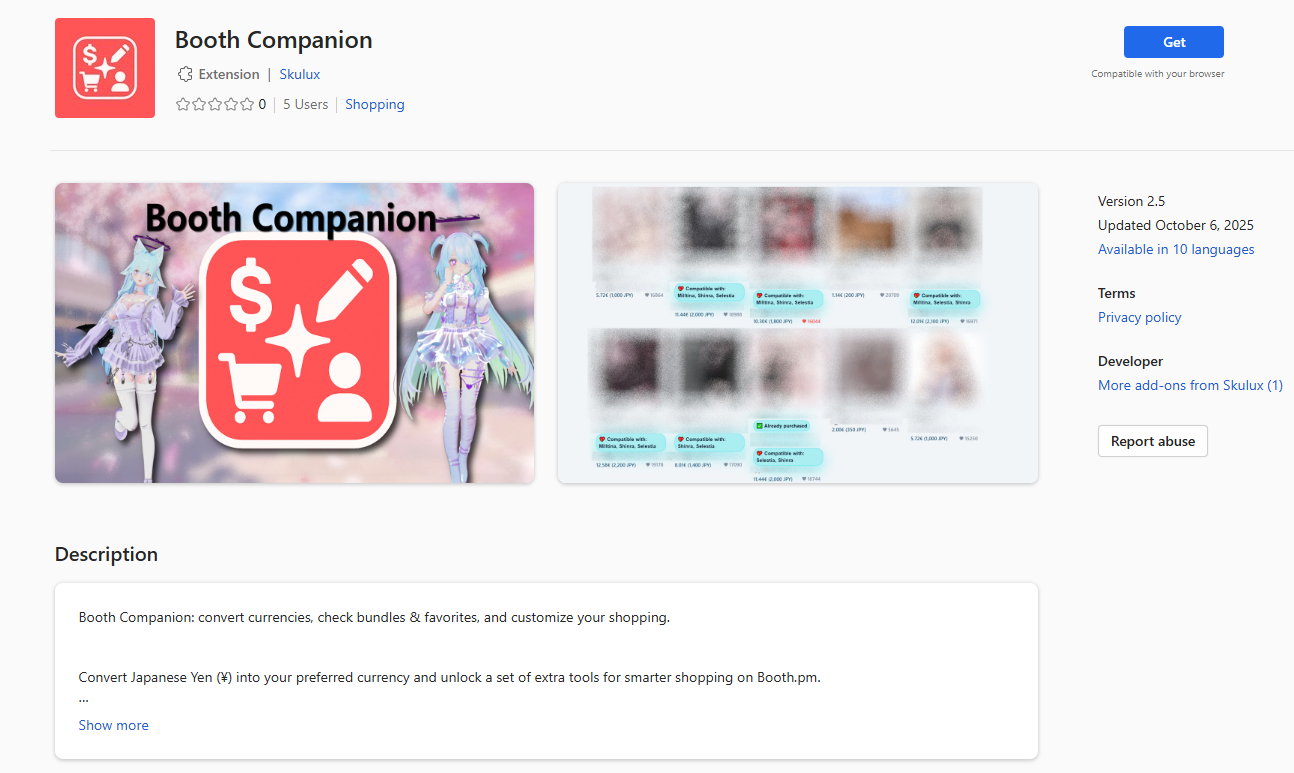 Visit Edge Add-ons
Install Booth-Companion directly from the Firefox Add-ons marketplace and keep automatic updates enabled for the latest features. The same listing works seamlessly in Waterfox.
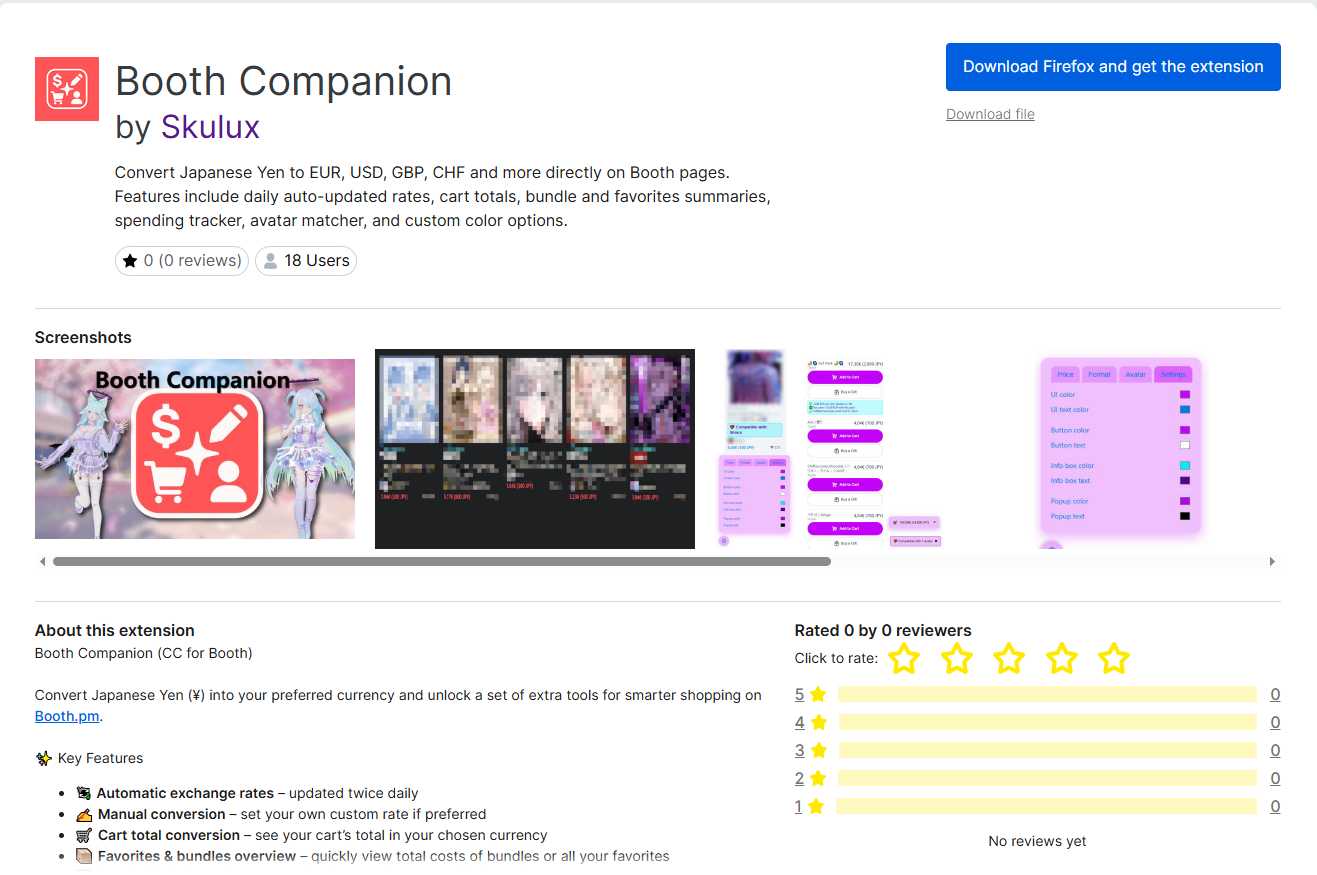 Visit Firefox Add-ons
Everything in Booth-Companion comes directly from the in-browser experience the extension provides on Booth.pm.
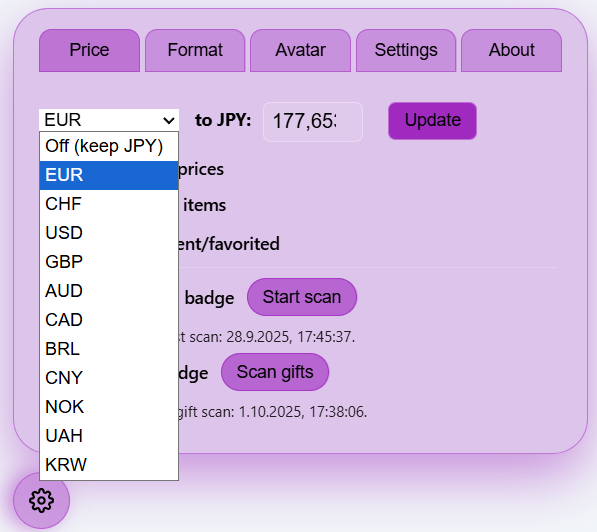
The floating control panel keeps its exchange rates fresh twice a day and lets you swap between JPY, USD, EUR, GBP, CHF, AUD, CAD, BRL, KRW, CNY, NOK, and UAH.
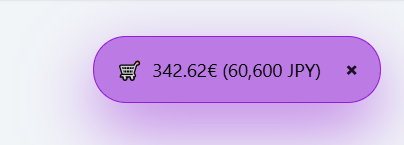
Pop-up summaries reveal converted totals for carts, past orders, and wishlists with quick buttons to reopen them whenever you need a recap.
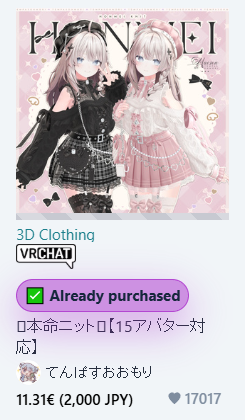
Run the built-in scans to badge listings you already bought or received, complete with order links and timestamps right inside Booth.pm.
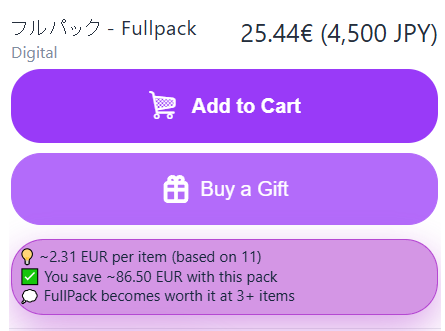
Highlight free listings, compare bundle pricing, and spot when packs stop being worth it thanks to inline callouts.
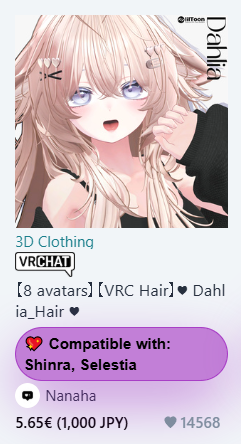
Fetch avatar compatibility data, open the floating filter panel, and spotlight items that match your saved avatars.
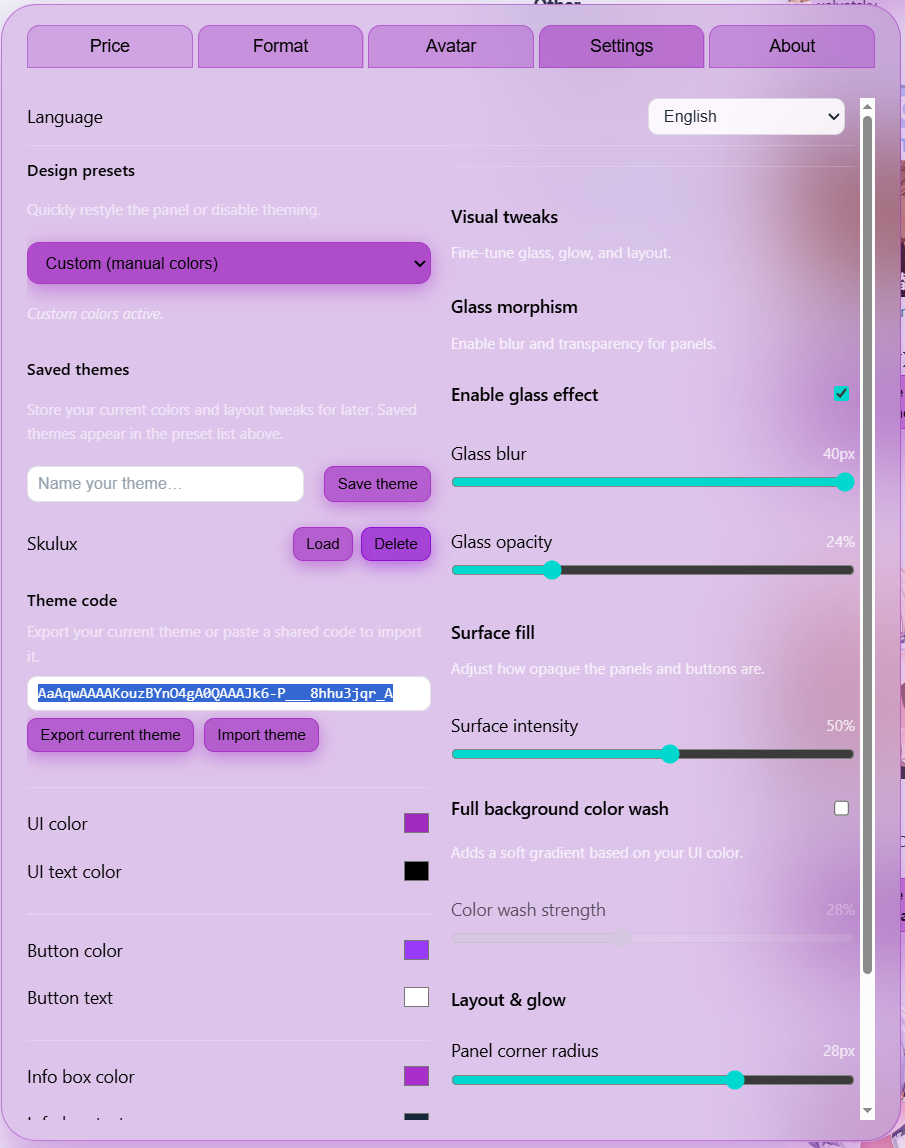
Switch between Booth-flavoured presets, tweak glassmorphism sliders, save custom themes, or exchange setups via import/export codes.
Everything you can enable in Booth-Companion, straight from the extension’s live feature set.
Stay synced with twice-daily updates for the most accurate conversions.
Override with a custom rate whenever you prefer your own numbers.
See your full cart total in your preferred currency before checkout.
Review total costs for bundles and favorites lists at a glance.
Watch items from their pages or import your wishlist to get notified when prices drop.
Pin favorite creators for fast access and block shops you want to skip.
Filter searches to highlight items only from your favorite shops.
Compare items side-by-side to pick the best deal.
Spot exactly when packs are worth it (and when they’re not).
Keep a running tally of your overall Booth.pm spending.
Highlight assets and items matching your saved avatar base models.
Personalize Booth-Companion with color palettes and design presets.
Reduce unnecessary requests for a smoother Booth.pm experience.
Choose from JPY, USD, EUR, GBP, CHF, AUD, CAD, BRL, KRW, CNY, NOK, RON, and UAH to see their converted values alongside Booth.pm’s native Yen pricing.
Open the Booth-Companion listing on the Chrome Web Store, Microsoft Edge Add-ons, or Firefox Add-ons marketplace (also works in Waterfox) and install it like any other extension.
Click the floating settings wheel at the bottom left—no pinning required in Chrome, Chromium browsers, or Firefox.
Open the Booth-Companion settings, choose a target currency, and keep the automatic twice-daily rate refresh switched on.
Show cart, order, or wishlist summaries, turn on the free-item highlight, and adjust number formats to fit your preferences.
Run the optional scans to add compatibility badges, mark owned purchases, and track gifted items directly within Booth.pm listings.
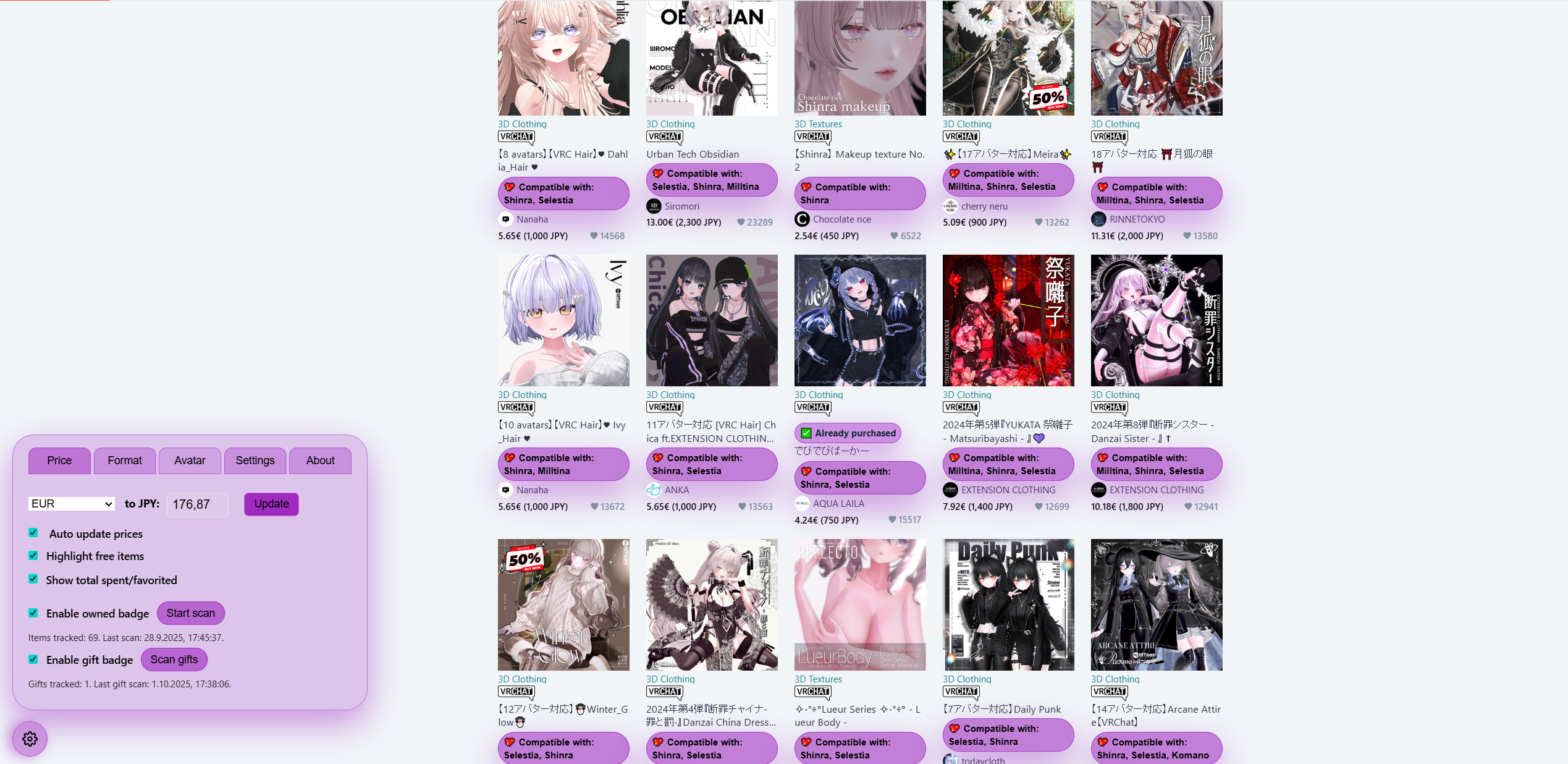
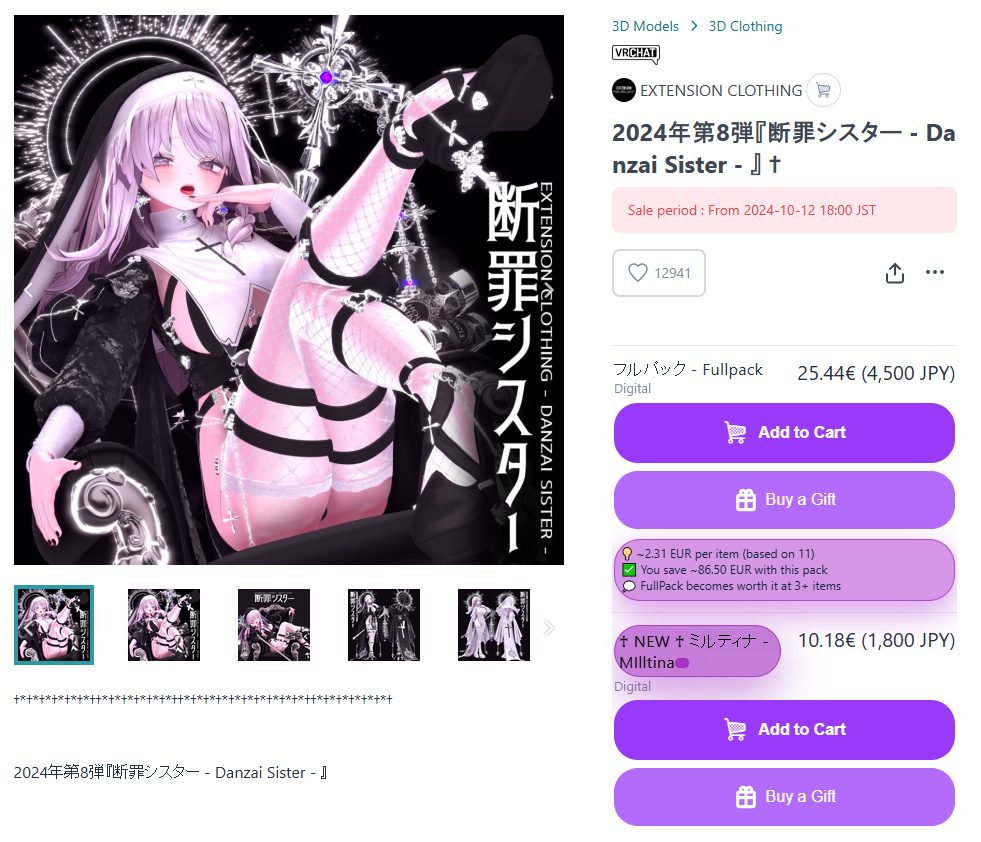
Open the Booth-Companion settings in the bottom left in Booth.pm, set your currency, language, and theme!
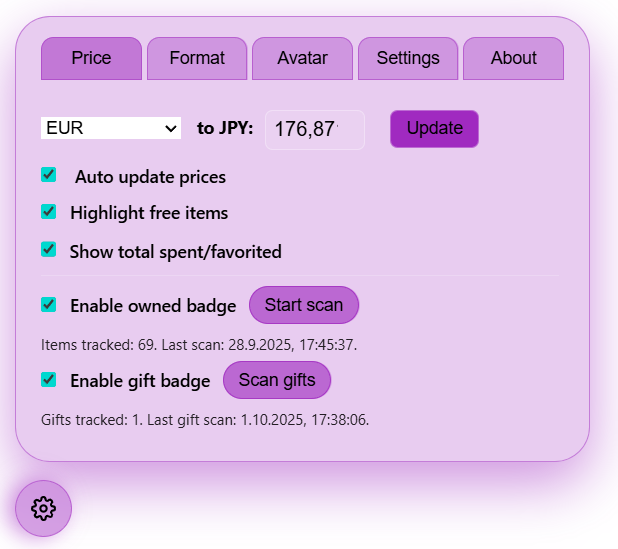
Switch Booth-Companion’s interface among English (US/NZ), German, French, Spanish, Portuguese (Brazil/Portugal), Japanese, Korean, Simplified Chinese, Traditional Chinese, Norwegian, Danish, Polish, Slovak, Ukrainian, Russian, Turkish, Thai, and Latvian.
Store your favorite theme configurations and reapply them later without redoing every slider.
Export or import theme codes to swap looks with friends in a couple of clicks.
Rates refresh twice per day. Leave automatic updates enabled to keep the converted prices aligned with the latest values.
Chrome, Chromium variants such as Brave or Vivaldi, Microsoft Edge, and Mozilla Firefox or Waterfox all support Booth-Companion.
Yes. Use the Format tab to pick symbol placement and number punctuation styles that match your region.
No. Booth-Companion is an independent helper and is not officially connected to Booth.pm or pixiv Inc.
Install Booth-Companion from your preferred browser store and enjoy Booth.pm with converted prices, totals, and avatar insights on tap.
See install options